Google · 2018–2019
Language for a screen you can talk to
Exploring language across voice and touch interactions on a smart display.
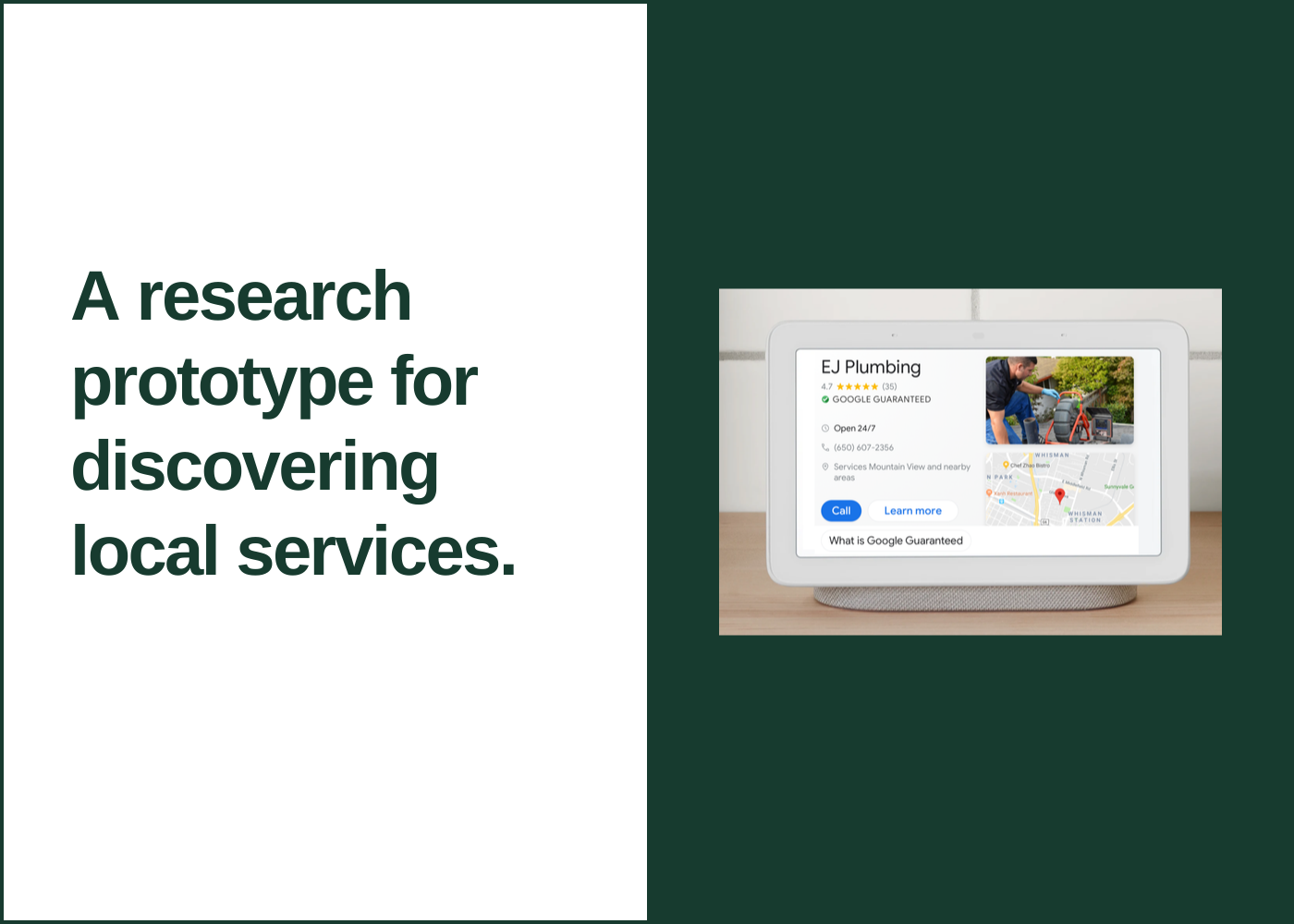 Explore the graphic
 - My role
- UX Writer & Content Strategist
- Period
- 2018–2019
- Project focus
- Research prototype · did not launch
At a glance
The work in context.
The problem
A smart display needed language that worked across voice interaction and touch controls.
My contribution
Worked with an interaction designer and researcher on a touchscreen prototype and a lab study.
The takeaway
Research on a prototype can build understanding even when the feature does not launch.
A smart display is a device that people can interact with by voice or by touch, which is extra fun for a UX writer.
The challenge
Having a combination of voice and buttons is an interesting puzzle. The prompts on the buttons are guide rails for people, but can also be used to prompt them to choose an option or explore something new.
The work
Working as a team of three with an interaction designer and researcher, we built a prototype and set it up on a touchscreen laptop which mimicked the experience of using a smart display. We then observed 12 participants in a lab study.
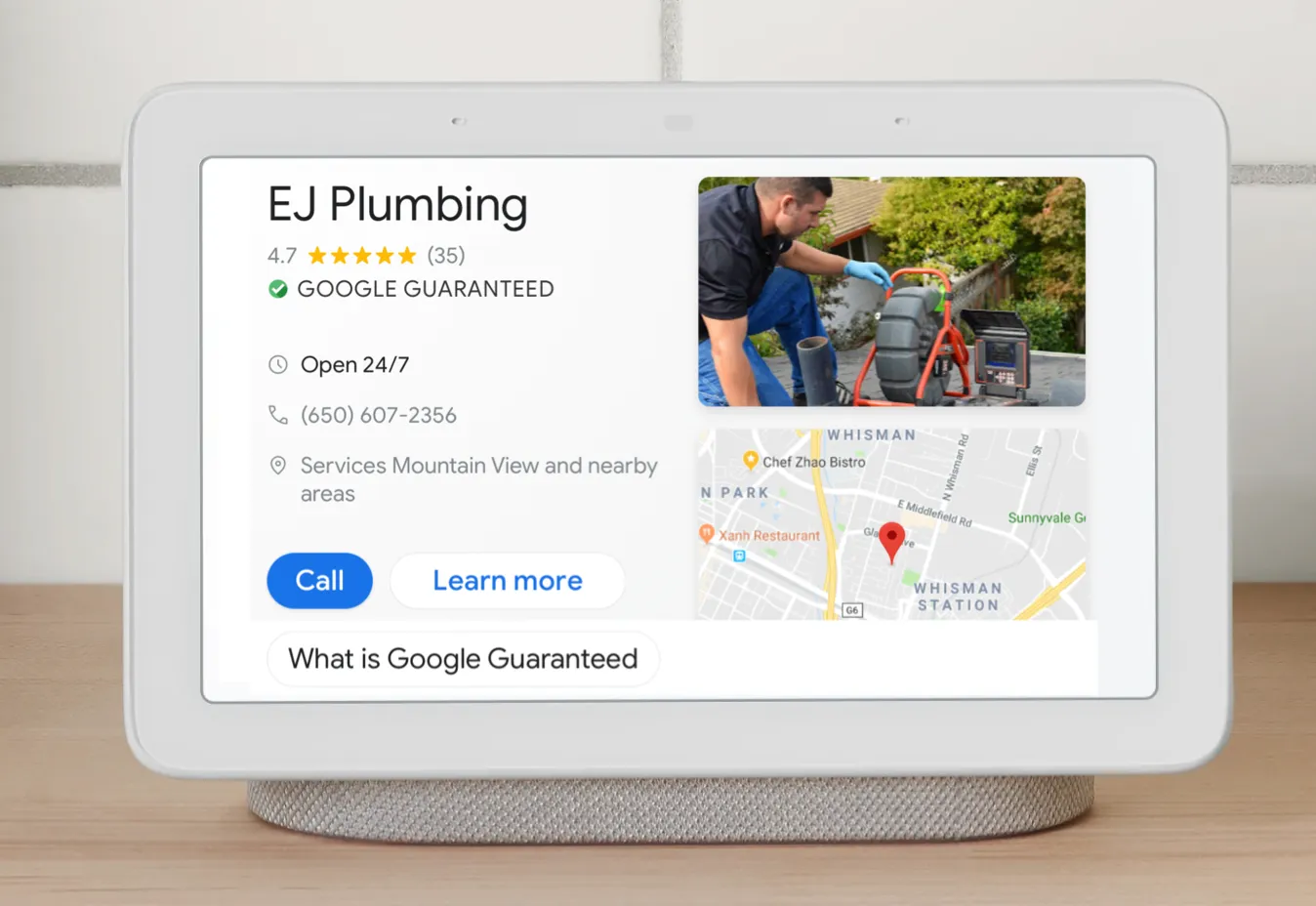
The visual shows the relationship between spoken interaction and visible actions.
Outcome
This didn’t launch, but led me to learn about conversation design and join internal talks on the topic. To get up to speed on Google’s practices, I attended office hours with the lead writer for the device. Our UX team also ordered several competitors devices, and I took them home to use them for cooking, getting directions, ordering pizza, and other day-to-day activities. Sometimes you have to be your own lab rat :).