Udemy · 2017–2018
A supportive path to a test video
Helping instructors create and submit a test video through a guided training flow.
 Explore the graphic
 - My role
- Content Strategist & UX Writer
- Period
- 2017–2018
- Project focus
- Product flows · Onboarding
At a glance
The work in context.
The problem
A training flow needed to support beginners without slowing down experienced video creators.
My contribution
Wrote UI copy, help content and video scripts with design, education, video and product partners.
The takeaway
Give beginners a way to keep moving and make the next step visible.
Inside the work
 View larger
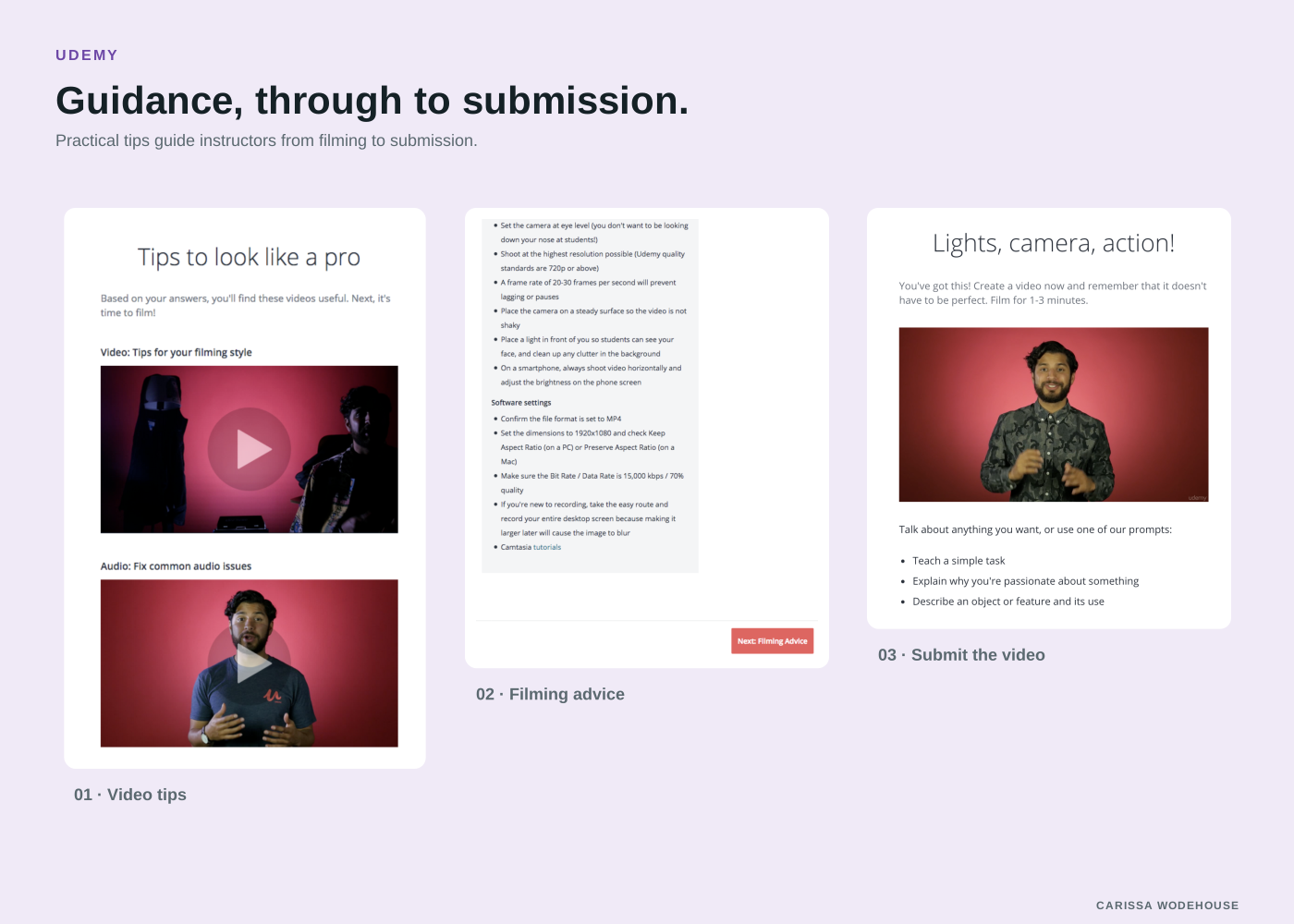
 Practical tips guide instructors from filming to submission.
This flow teaches the basics of creating videos at home, in nine screens.
The challenge
Udemy’s business depends on people creating their own quality videos. These instructors come from a range of backgrounds, so this flow had to be quick and easy for the experienced, while helping the newbies. Like all of the content I created for Udemy, we needed to localize this into languages including French, Italian, Korean, Polish, Portuguese, Spanish, and Turkish.
The work
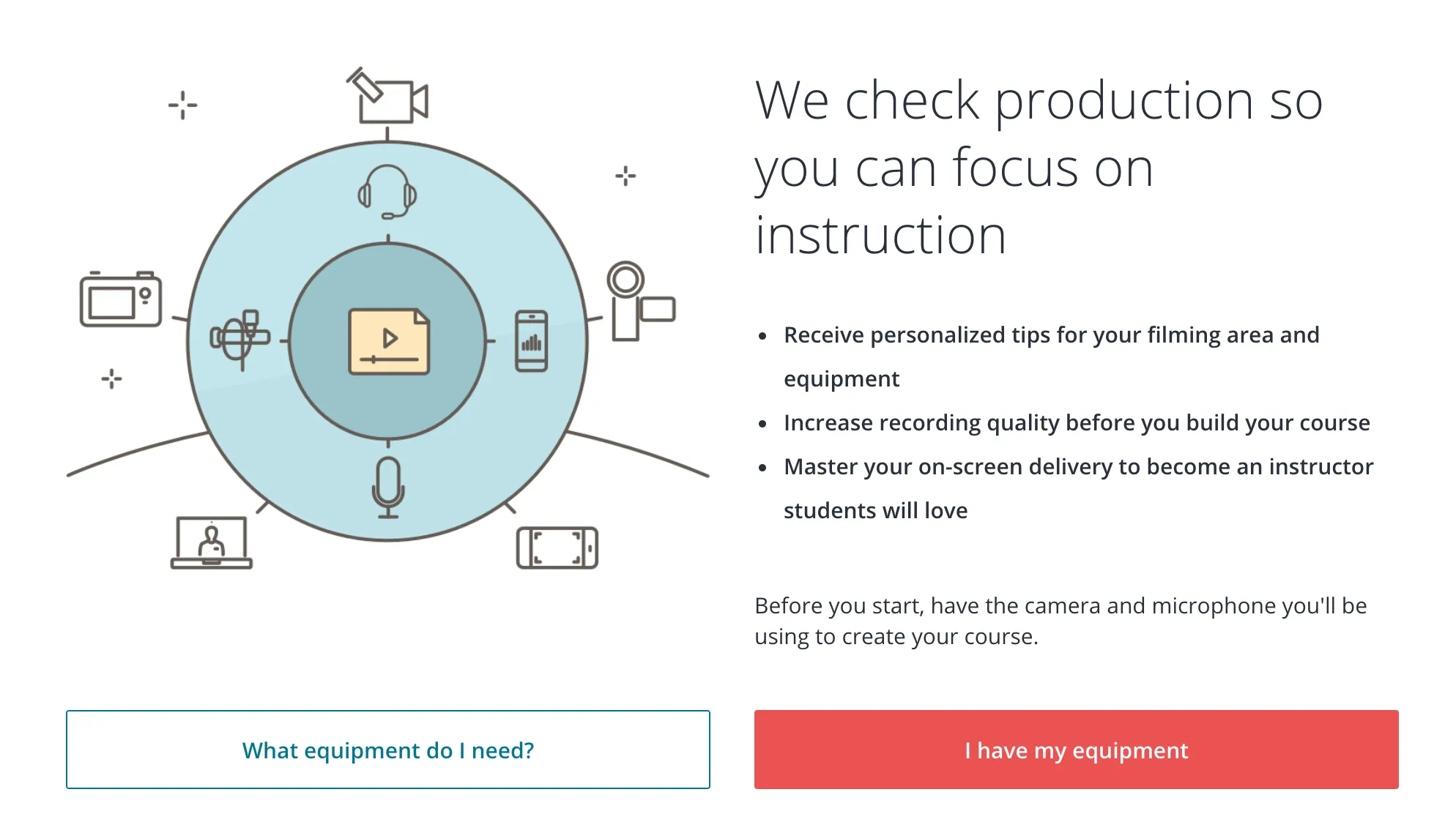
The entry screen explains the test-video tool and offers a clear next step.
Working with the delightful team including an interaction designer, video specialist, education team, and product manager, we created a flow that both trains people in how to make a video and makes it easy for them to submit the file which will be reviewed for video and audio quality. I wrote the UI copy, worked with the education team on help articles, and worked with the video team on video scripts.
Several steps were dedicated to collecting user information. For the experienced, this would be easy, but I was careful to include menu options such as “I don’t know” for the less experienced people. This allows them to keep moving through the process.
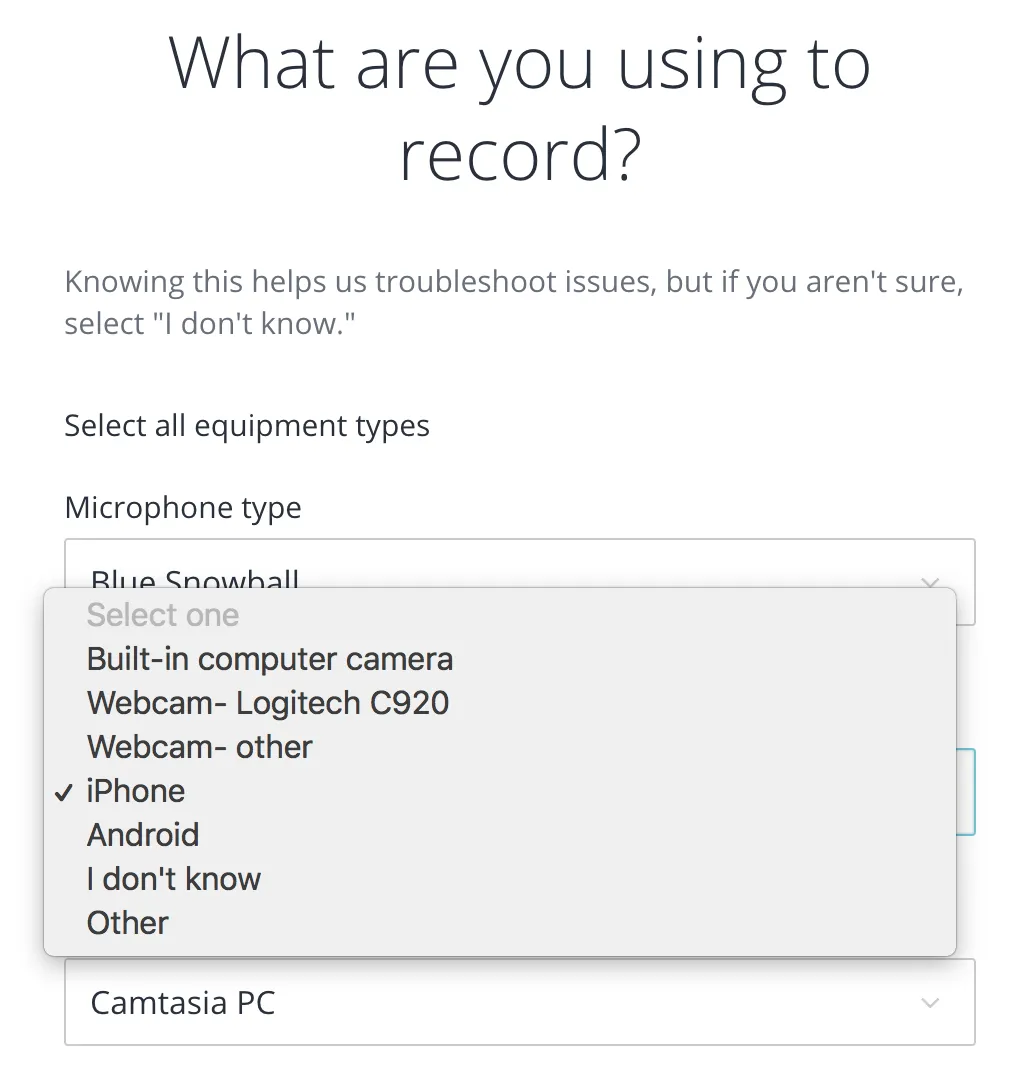
An “I don’t know” equipment option lets less experienced instructors continue.
This flow has a lot of variations. We displayed content that changed to fit what they asked for help with (delivery skills), what they were filming (a screencast), their equipment, and their language (we couldn’t support all feedback in all languages). Video, copy, and tips changed based on the user.
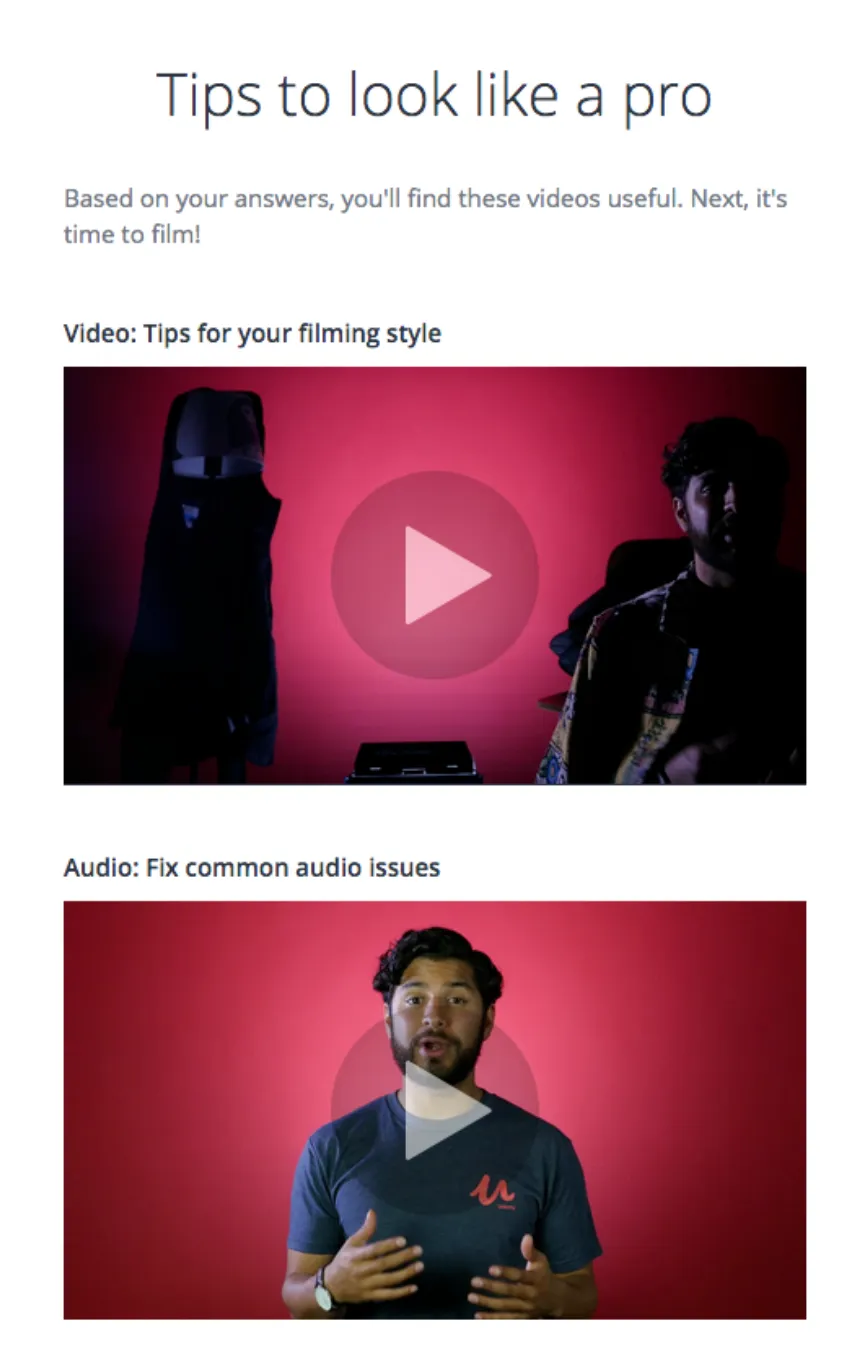
The flow presents video and tips alongside the task the instructor is working on.
The Next buttons give a glimpse into what section is next, to relieve some anxiety in this process that is new for people. I introduced this so they would have a mental split second to process what was coming, and especially to take the surprise out of the technical sections.
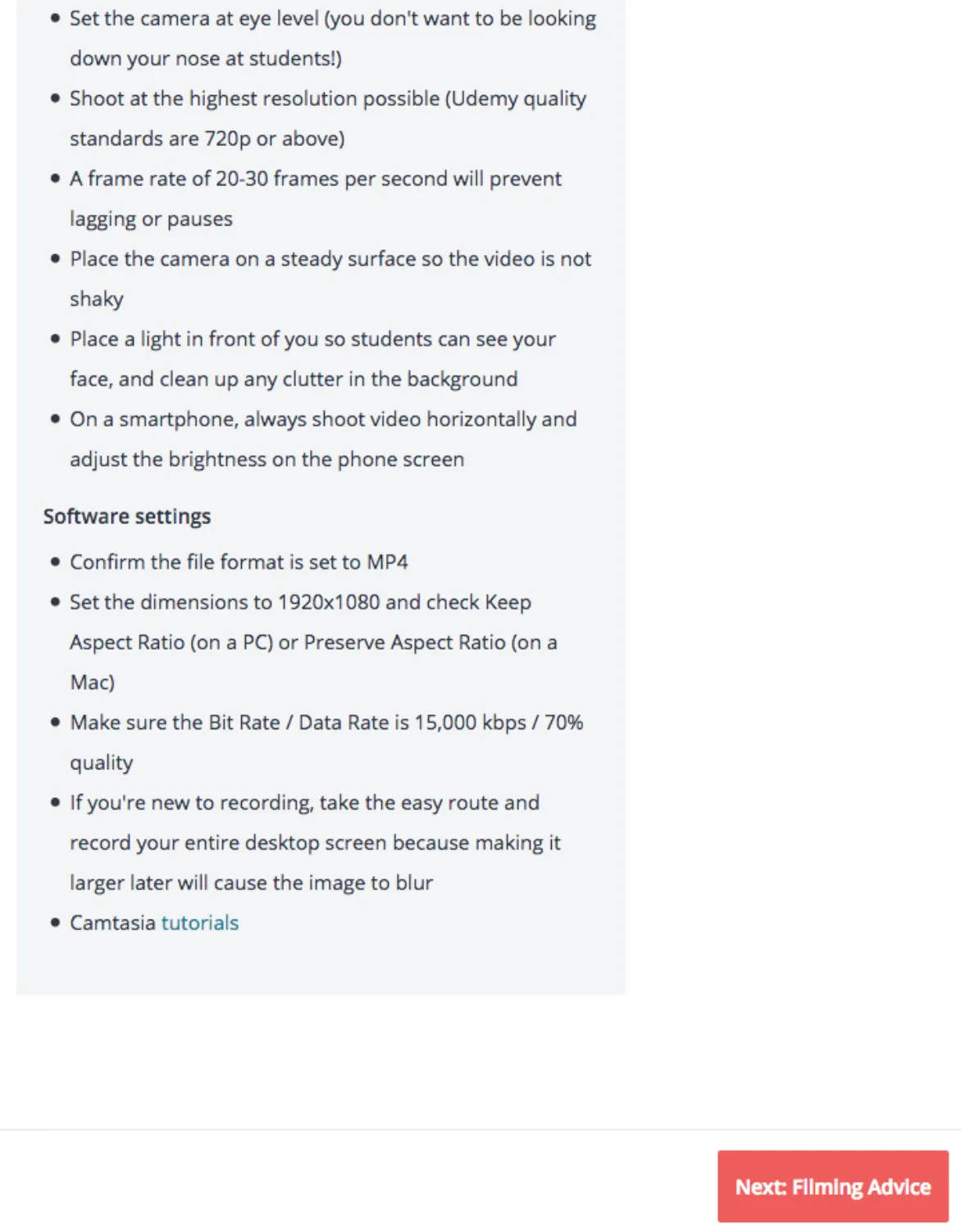
We used a cheerful, supportive tone, and added moments of delight including a final video to make people comfortable as they hit submit.
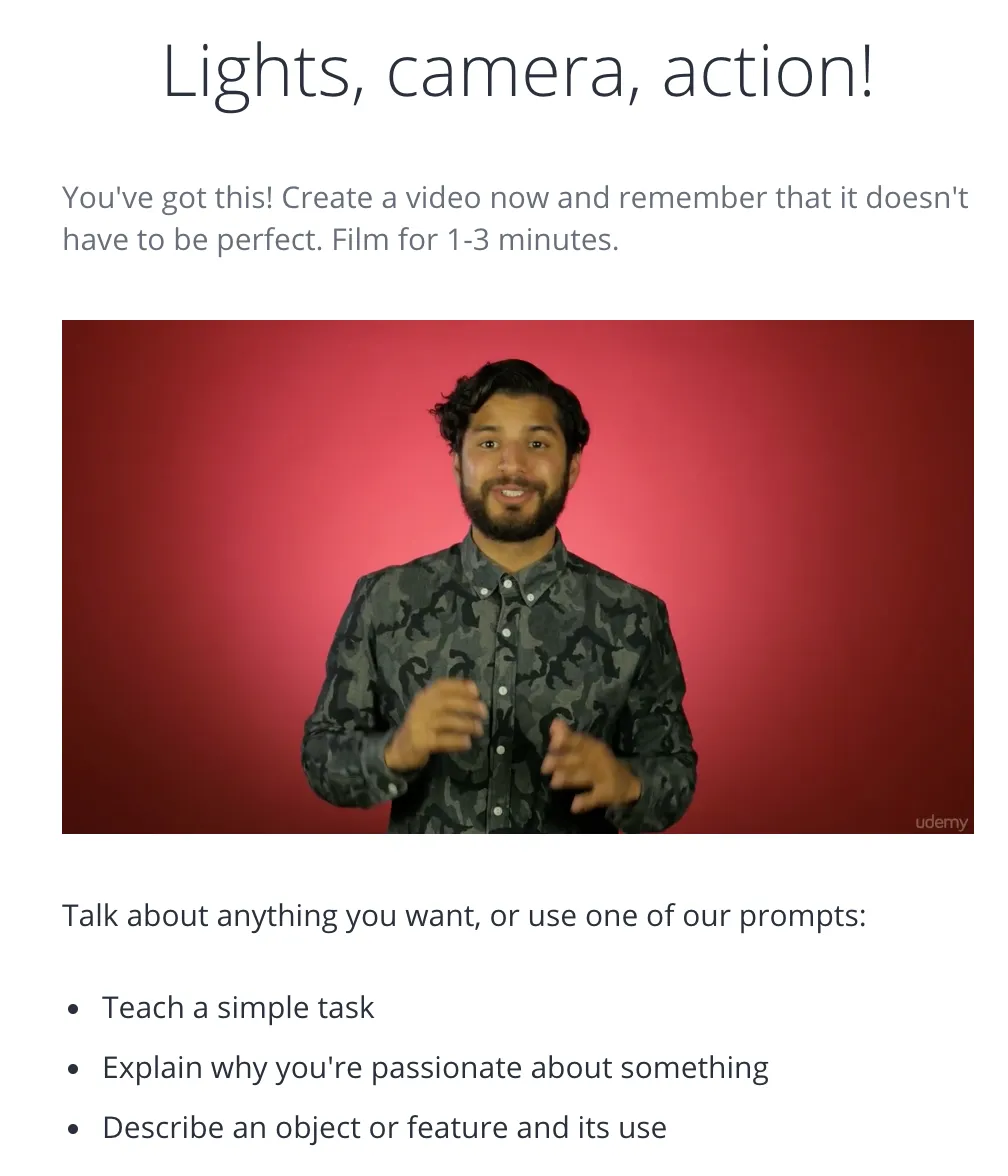
A friendly final video helps instructors prepare to send their work for review.
I also wrote in product notifications announcing the new tool